- ASUS ProArt Displays Elevate Mac User Creativity with Enhanced macOS Integration
- Key Enhancements
- Optimal User Experience for Mac Users
- “M-Model P3” for Perfect Color Matching
- Professional Color Management and High Image Quality
- Efficient Centralized Management and Professional Calibration Integration
- Powerful Hub Functions and Auto KVM for Enhanced Workflow Efficiency
- Comfortable Workspace Design for Focused Professionals
ASUS ProArt Displays Elevate Mac User Creativity with Enhanced macOS Integration
ASUS Japan announces significant new features for its ProArt series displays, aiming to substantially boost productivity and streamline workflows for users of MacBook, Mac mini, and Mac Studio devices.
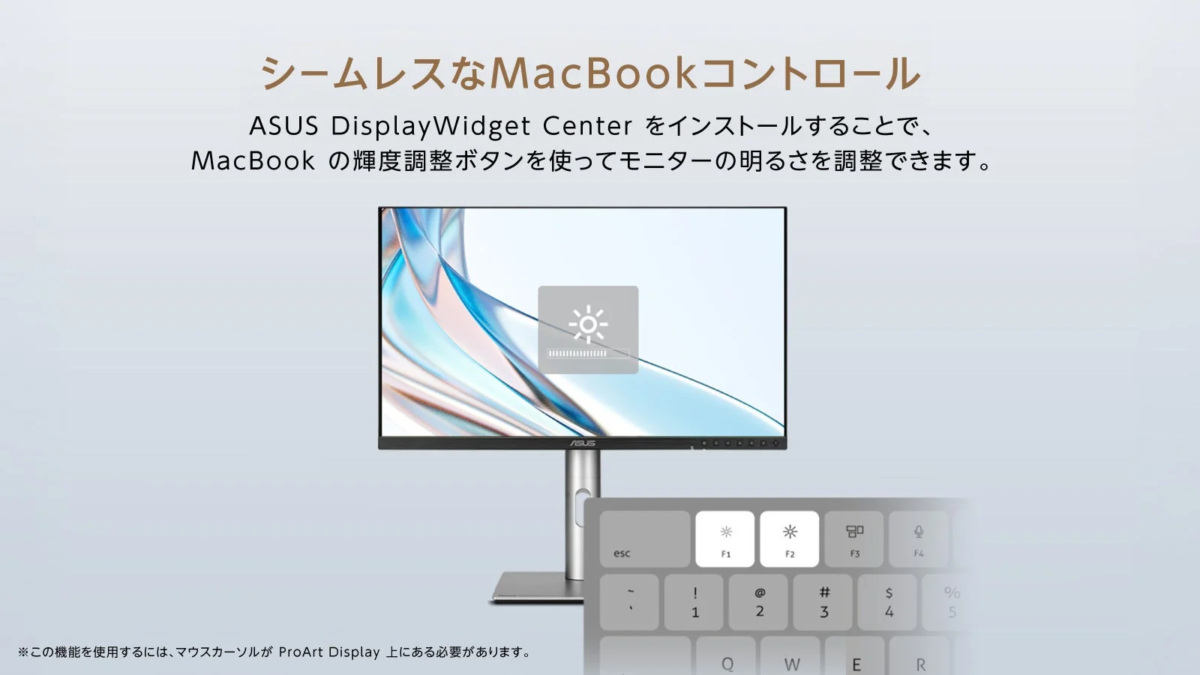
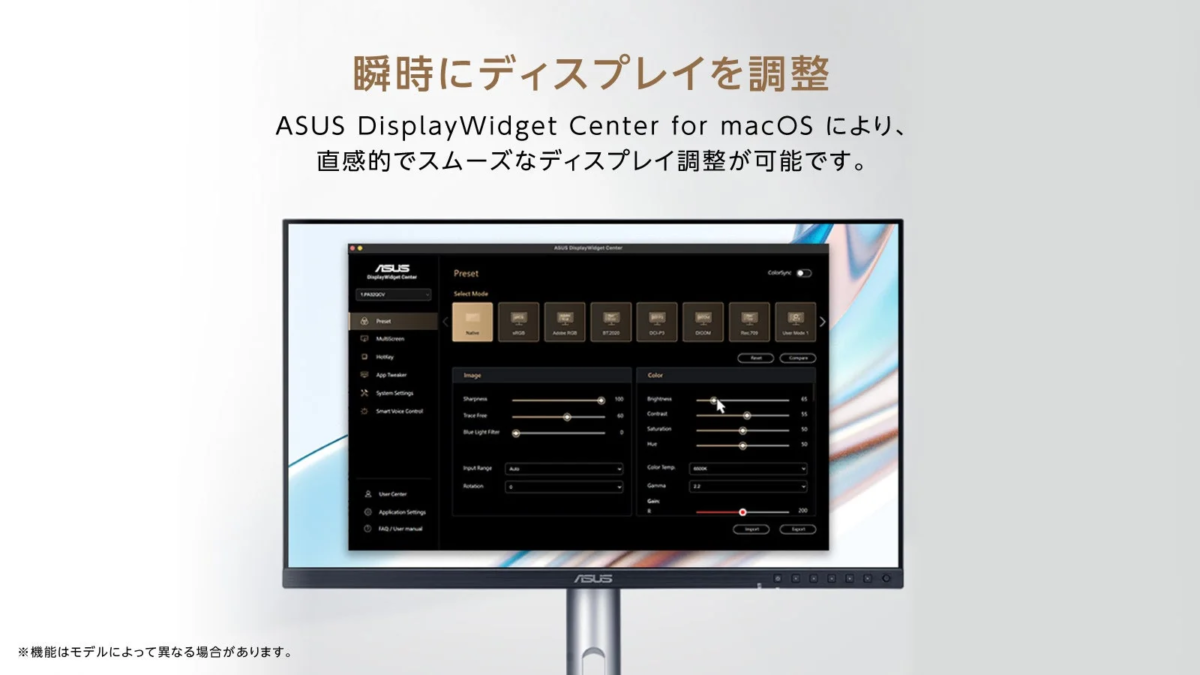
This update introduces support for the macOS version of “ASUS DisplayWidget Center” software, providing an intuitive interface for adjusting monitor settings such as brightness, contrast, and color temperature directly from the desktop. Furthermore, with the software installed, users can control display brightness using their MacBook’s shortcut keys. A new “M-Model P3” feature is also included, designed to match the color gamut of the ProArt display with that of a MacBook, ensuring a consistent color management environment across devices.
For more details, please visit: https://www.asus.com/jp/content/mac-monitor/
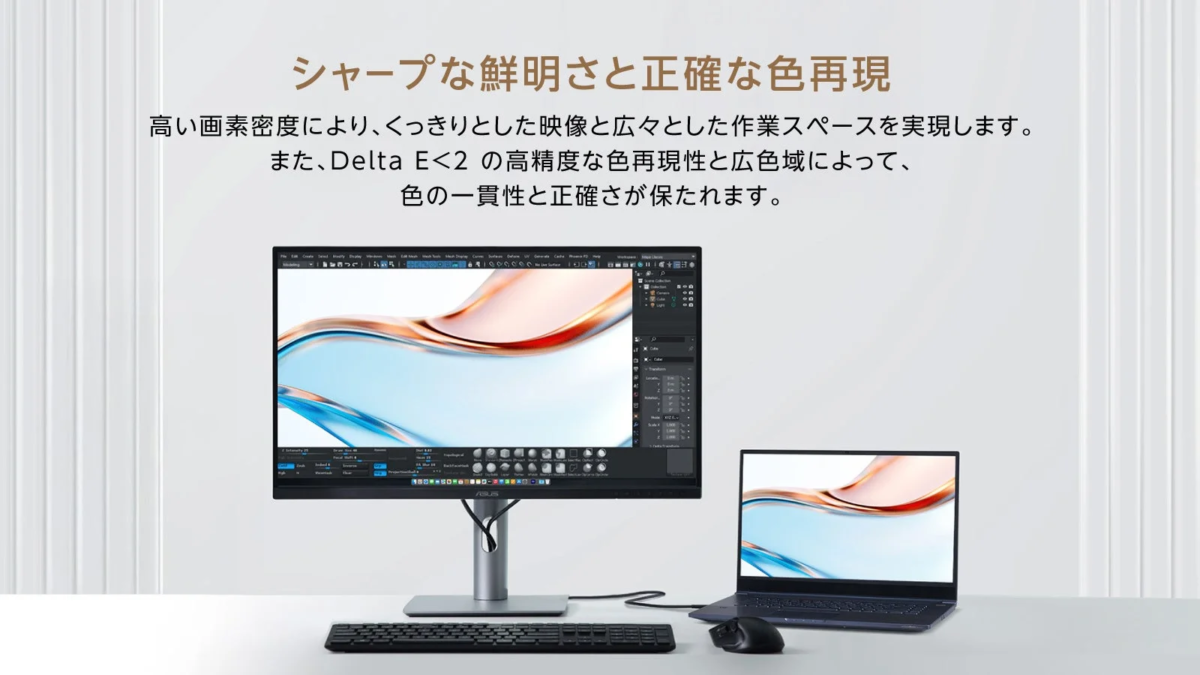
ProArt displays, known for their high resolution and pixel density (PPI), are designed to maximize the graphical performance of the latest Mac devices. With color accuracy up to Delta E < 1 and a wide DCI-P3 99% color gamut, every detail is reproduced with vivid clarity, supporting the creation of high-quality content and efficient workflows.
Key Enhancements
-
Instant Display Settings Adjustment: The intuitive interface of the macOS version of “ASUS DisplayWidget Center” allows for quick and easy monitor setting adjustments.
-
Seamless MacBook Integration: Installing the software enables direct brightness control of external monitors via MacBook shortcut keys.
-
“M-Model P3” Color Mode: This feature aligns the ProArt display’s color gamut with that of a MacBook, achieving consistent color accuracy in multi-display environments.
-
Exceptional Color Accuracy and Detail: Color accuracy of up to Delta E < 1, a wide color gamut, and high pixel density provide a creative environment that fully utilizes Mac’s graphics performance.
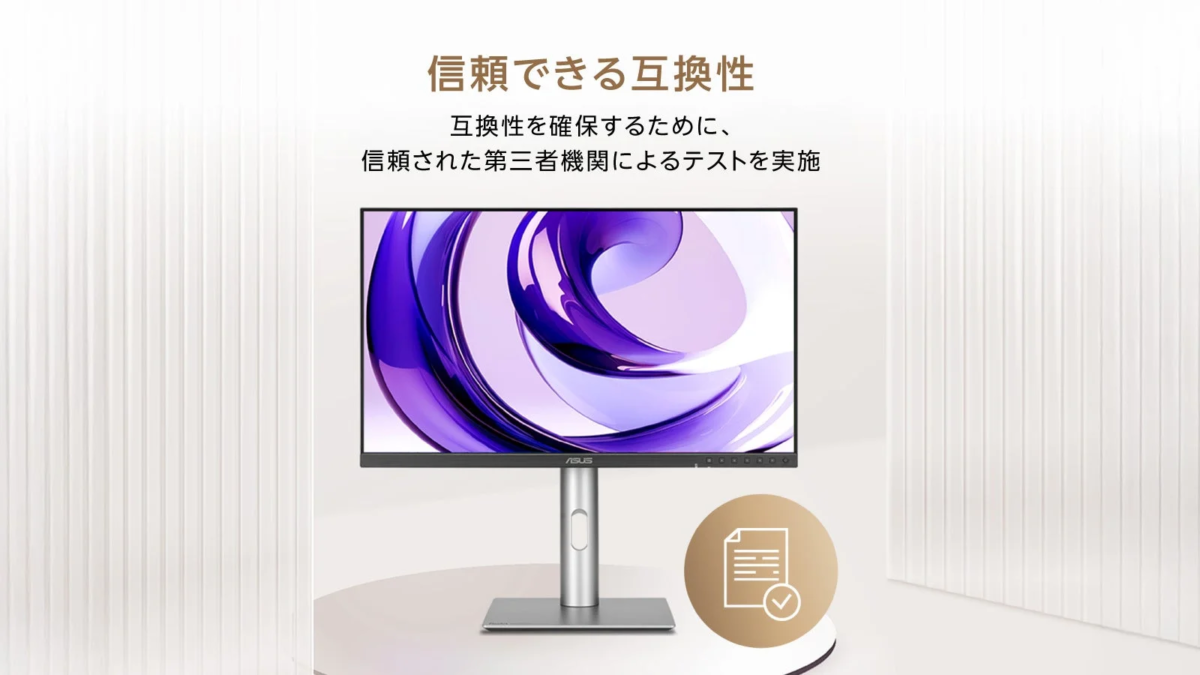
Some ProArt displays support variable refresh rates (VRR) up to 240Hz, allowing for smooth visual experiences perfectly synchronized with Mac devices featuring Apple ProMotion technology. Each ProArt display undergoes rigorous third-party testing to ensure broad compatibility with MacBook Pro, Mac mini, and Mac Studio.
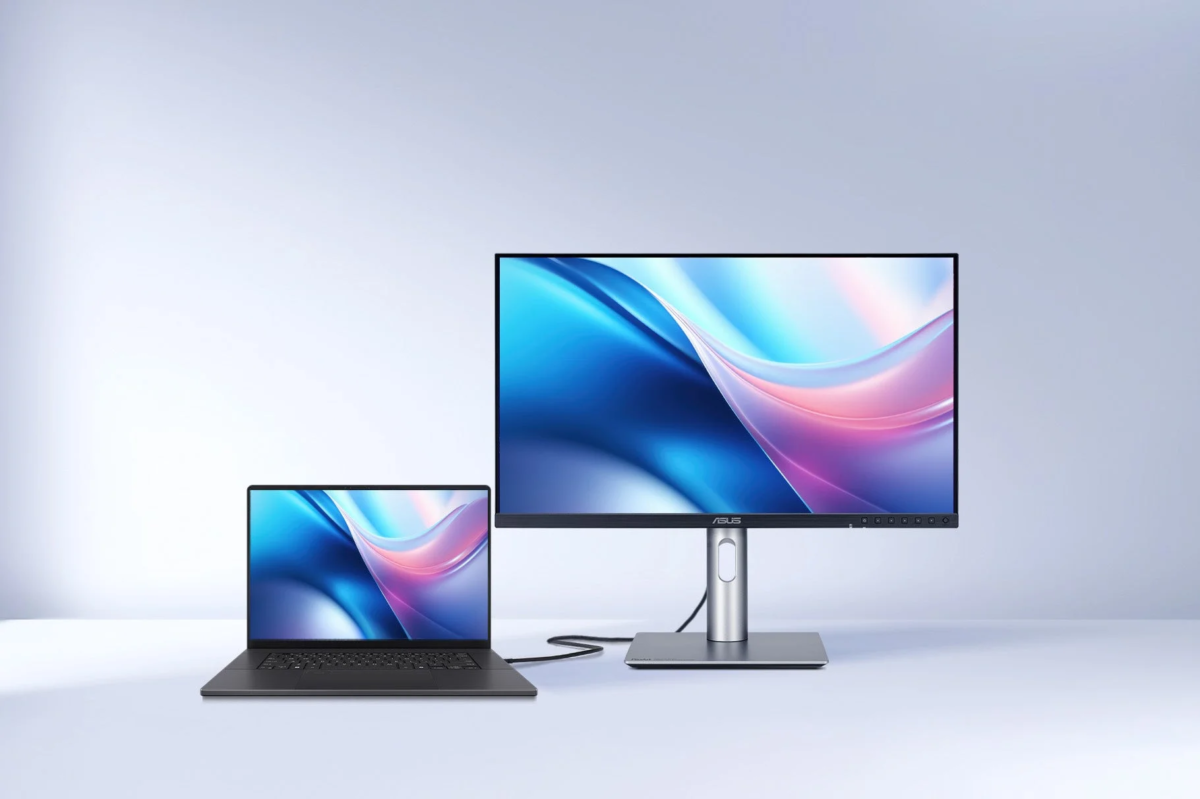
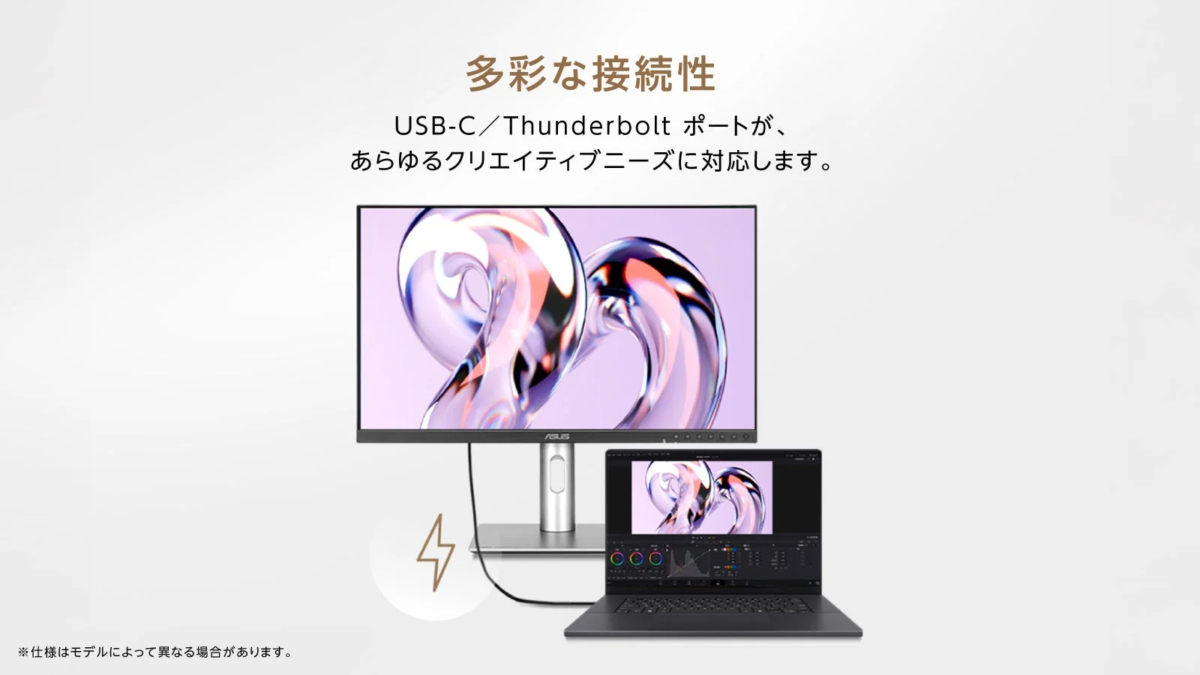
Moreover, integrated USB-C and Thunderbolt 4 ports facilitate ultra-fast data transfer and DisplayPort connectivity. With up to 96W Power Delivery, devices like MacBooks can be charged via a single cable, contributing to a clean and organized desk environment.
Optimal User Experience for Mac Users
By implementing “ASUS DisplayWidget Center” for macOS, users can instantly adjust brightness, contrast, and color temperature without touching the monitor’s physical buttons. The application also synchronizes with MacBook shortcut keys, allowing external monitor brightness to be controlled with the same ease as the MacBook’s built-in display, minimizing workflow interruptions.
“M-Model P3” for Perfect Color Matching
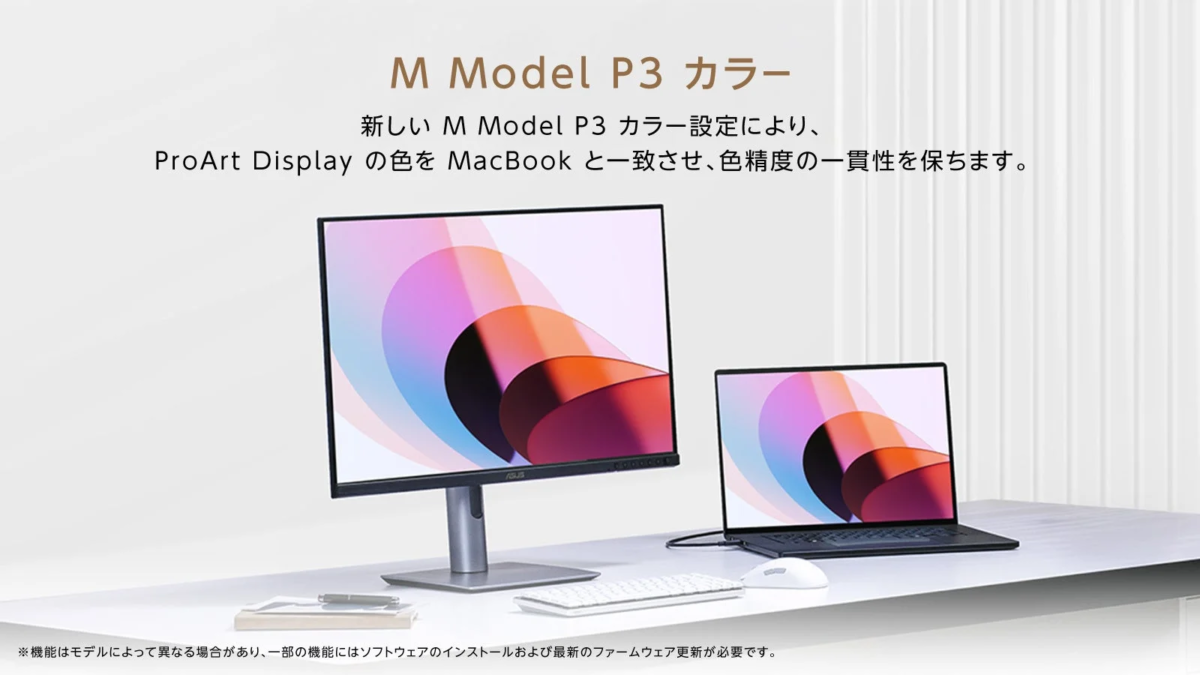
The newly integrated “M-Model P3” color setting is designed to synchronize the color performance of ProArt displays with connected MacBooks. This feature ensures consistent color representation between main and secondary screens, which is crucial for tasks demanding precise colors, such as photo editing, video production, and graphic design, thus simplifying professional-grade color management.
Professional Color Management and High Image Quality
All ProArt displays are Calman Verified and undergo factory calibration to achieve exceptionally high color accuracy, with a Delta E < 1. The macOS-compatible “ProArt Calibration” software operates in both SDR and HDR modes. Its hardware calibration feature saves all color profiles directly to the ProArt monitor’s internal scaler chip, rather than on the PC. This software can also generate ICC profiles for a wide range of external monitors and even the MacBook’s own screen, ensuring consistent and reliable color reproduction.
Users can schedule regular calibrations using “ProArt Calibration.” The software supports most major calibrators, including ProArt CaliContrO MCA02, X-Rite, Calibrite, Datacolor, Klein, and Colorimetry Research.
For a list of supported calibrators, please refer to: https://www.asus.com/jp/support/faq/1043733/
Efficient Centralized Management and Professional Calibration Integration
“ProArt Color Center” is an online tool for administrators managing multiple hardware-calibrated ProArt displays. It allows users to check the last and next recommended calibration dates for each monitor, and even schedule batch calibrations for multiple units. This can be done remotely, even if monitors have different color parameters or are located at different sites.
Furthermore, ProArt displays seamlessly integrate with third-party professional calibration software such as Calman and Light Illusion ColourSpace CMS. They also support writing calibration data directly back to the display unit, providing a faster and easier calibration process.
Powerful Hub Functions and Auto KVM for Enhanced Workflow Efficiency
ProArt displays feature a variety of connectivity options, including USB-C, HDMI, and DisplayPort (with daisy-chaining support). The integrated hub function provides smooth access to peripherals connected to the monitor’s USB ports, eliminating the need for a separate docking station.
Additionally, the built-in Auto KVM (Keyboard, Video, Mouse) function allows two MacBooks or PCs to be controlled with a single keyboard and mouse. The operating device automatically switches with the input source, making multitasking remarkably convenient.
Comfortable Workspace Design for Focused Professionals
All ProArt displays incorporate an ergonomic design, allowing for intuitive tilt, swivel, and height adjustments to maintain a comfortable viewing angle at all times. The quick-release function enables one-touch VESA mount installation without screws.
Additionally, TÜV Rheinland-certified Flicker-Free and Low Blue Light technologies are integrated. Flicker-Free technology minimizes eye strain during long creative sessions by suppressing screen flickering. The blue light filter protects eyes from harmful blue light and can be easily adjusted from 0-100% via the OSD menu.