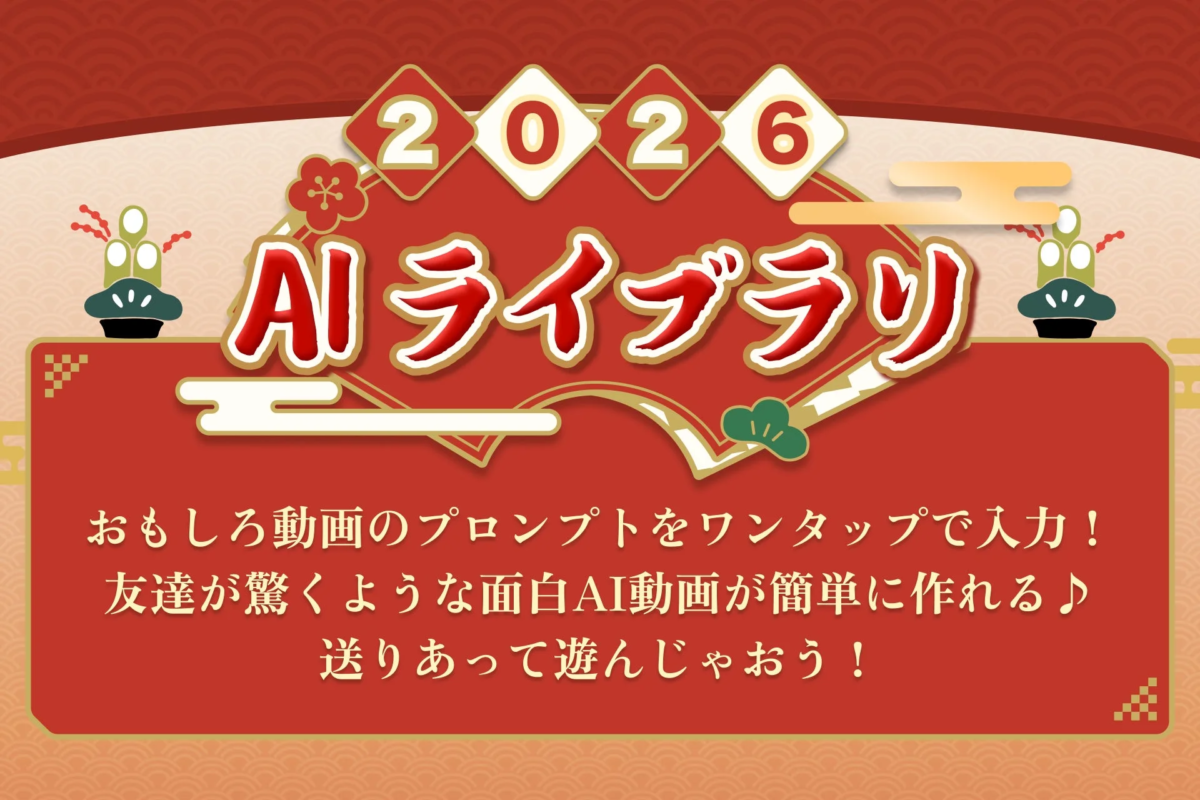
About the New “AI Library” Feature
The “AI Library” simplifies the process of generating AI images and videos by providing a curated list of prompts that users can select from. This feature supports prompts for Sora and ChatGPT, allowing individuals, even those new to AI, to easily create engaging AI images and videos. The generated content can then be shared across various social media platforms and messaging applications.
To enhance user experience, each prompt within the AI Library includes a preview of the generated image or video. This visual guidance allows for intuitive selection, making the creation process straightforward and enjoyable.
Guide and Sample Videos Available
To further assist users in utilizing the “AI Library,” a dedicated guide page has been published. This page provides step-by-step instructions with accompanying images, alongside a collection of AI video samples created by staff members. The guide covers:
-
How to launch the AI Library
-
How to select prompts
-
The process from generation to sharing
-
An introduction to AI video samples
This resource is designed to be helpful for anyone interested in exploring the capabilities of the AI Library, including those who wish to see examples of what can be created.
How to Use the “AI Library”
To begin using the “AI Library,” follow these steps:
- Download the “Simeji” app to your smartphone. If already installed, please update to the latest version.
- Launch an external AI application such as Sora or ChatGPT.
- Display the Simeji keyboard and tap the “🪶” icon located in the upper right corner.
- From the “AI Library,” select and tap the desired video prompt.
- The chosen prompt will be automatically entered into the input field. Tap the send (↑) button to generate the AI video.
- Once generation is complete, use the external app’s sharing functions to share the content on social media or messaging platforms.
About the Customizable Emoji Keyboard App “Simeji”
“Simeji” is a keyboard application that boasts over 70 million downloads as of April 2025 and is highly popular among Generation Z. It offers a wide array of features including keyboard customization, various effects, over 200,000 kaomoji (Japanese emoticons), and unique functions such as repeated comments, all designed to facilitate expressive communication.
For more information about Simeji, please visit:
-
Simeji Official Website: https://simeji.me/
-
Simeji Official X (formerly Twitter): https://twitter.com/Simeji_pr
-
Simeji Ranking: https://simeji.me/?p=news
-
Simeji for iOS: https://itunes.apple.com/jp/app/id899997582?mt=8
-
Simeji for Android: https://play.google.com/store/apps/details?id=com.adamrocker.android.input.simeji